Bartec Tech Tips Keeping Your Tool Updated
29 April 2026
Most TPMS problems aren’t caused by the sensor. They are caused by outdated software. Vehicles change constantly. New model years, updated relearn routines and system tweaks are added all the time.
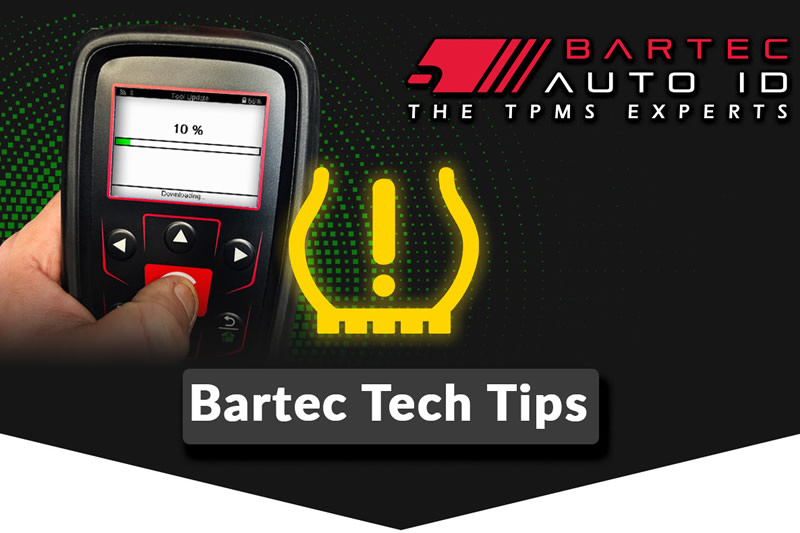
If the tool is not up to date, it may still work on familiar jobs but fall short on newer vehicles. That’s when relearns fail, procedures do not appear or coverage is not quite what you expect. Keeping your tool updated reduces avoidable delays that slow the job down. Always update your tool when prompted, before the tool is needed on the job.
It is much easier than discovering a limitation mid‑service. For the TECH350 simply plug the tool into your PC and open TPMS Desktop and follow the onscreen prompts. For the TECH450 & TECH600, Go to the Settings icon > Tool Updates > Update Tool. For full update instructions or to extend your software support.
We want to equip you with knowledge and provide reliable TPMS tool and sensor solutions to complete service jobs quickly and effectively, ensuring TPMS success first time, every time.
For more information about Bartec Auto ID and to discover the full range of Bartec Auto ID TPMS Tools & Aftermarket Sensors visit https://www.bartecautoid.com/.
#TECH600 #BartecAutoID #AftermarketTools #VehicleDiagnostics #TyreService #TPMSSolutions #TPMSTools #TPMSDiagnosticTools #TPMSSensors #TyreSensors #RiteSensor #TPMSSoftware
Other Articles
Bartec Tech Tips For Cold Weather & TPMS Sensors This Winter
05 October 2026
Techfest 2026 At Wembley Was Huge For TPMS In The UK
02 October 2026
TPMS Sensors: What They Are, How They Work & When To Replace Them
29 September 2026
Where To Buy TPMS Tools & Sensors In The UK
22 September 2026
A Fantastic Week at TechFest Wembley 2026
21 September 2026
Visit Bartec Auto ID At Techfest Wembley 2026
17 September 2026
Bartec Auto ID At Techfest Wembley 2026
16 September 2026
Automechanika Frankfurt 2026 Find Us In Hall 9.0 At Stand F49
08 September 2026
Bartec Tech Tip For Regularly Uploading Your TPMS Data
01 September 2026
V.8.2 Is Now Available For Your Bartec Auto ID TPMS Tool
19 August 2026